Help & FAQ
Answers to common questions, step-by-step guides and a way to reach us.
Frequently Asked Questions
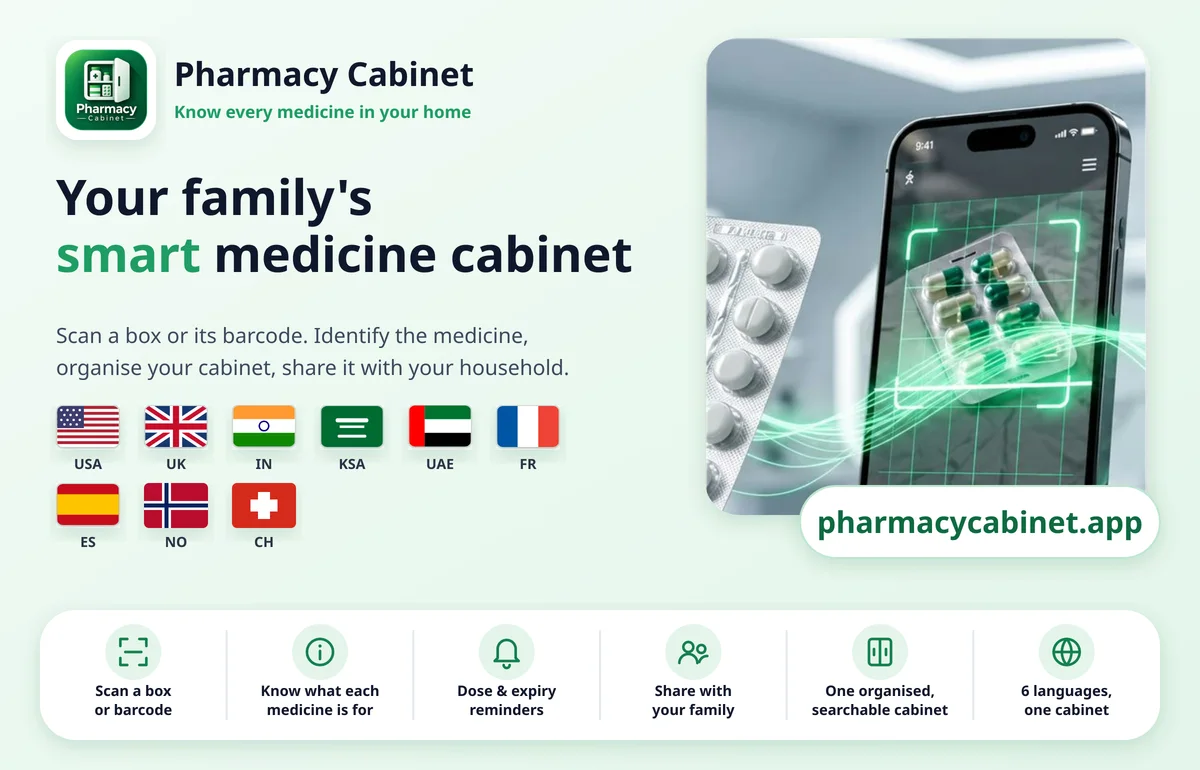
Yes. Use your camera to capture the front of the box or strip, or upload a photo from your gallery, and the app reads the name and details printed on the label, then helps you identify the medicine. Coverage keeps growing and includes the USA, UK, EU, Switzerland, Norway, Australia, India, KSA, Qatar and Canada. Always check the result against the box.
No. If the box has a clear barcode, scan it for an exact match and the details fill in for you. If there isn't one, or it is worn, capture the label with your camera or upload a photo of it from your gallery instead. Barcode scanning covers medicines sold in the USA, UK, France, Spain, Switzerland, Norway, Saudi Arabia and Canada, with more regions on the way. Where there is no barcode list yet, such as Qatar and India, photographing the box works instead.
Where a country supports barcode scanning, the details come straight from its own official, vetted government sources. For everything else, the app matches your medicine against official registers such as the FDA and the NHS, among others. Where a register has no match, the details are taken from the photo of your medicine box when you upload it, or from a trusted online lookup, so the medicine's information stays reliable. As always, check the result against the original packaging and ask your pharmacist or doctor if you are unsure.
Yes. It is fully available in English, Spanish, French, German, Norwegian and Arabic, including right-to-left layout for Arabic. More languages, including Portuguese, are coming soon.
Yes. Invite them into your cabinet and everyone sees the same up-to-date list. You stay in control of who can change things.
Add the expiry date once. As soon as you open the app it shows what is expired or expiring within 30 days, and it warns you if you add a medicine you already have.
Adding a new medicine needs an internet connection. Medicines you've already added stay available on your device.
Often, yes. Scan the barcode or photograph the pack and the app checks the medicine information it covers and shows the ingredient. If it isn't found, you can still add the medicine by hand.
Put them on one table, then scan or photograph each box and note where you keep it (room, cabinet or shelf). Ten minutes is enough for a first pass, and the list stays searchable afterwards.
You can start free, and reminders are included free. Premium adds more medicines, more reminder times, dose history and bigger shared cabinets; see the plans on the Pricing page.
No. It helps you identify and organise the medicines you already have. It never gives dosing advice and is not a diagnostic or prescribing tool.
Your cabinet is synced across all your devices (phone, tablet and laptop), so your data stays safe. Download the app again, or sign in with your registered account, and all your medicines are back. If you have any issue, reach out to the developer and it will be sorted within a couple of minutes.
Contact us through the app or email support@pharmacycabinet.app to request account and cabinet deletion. Some records may need to be retained for legal or billing purposes; see our Privacy Policy.
Open the Download page on this website, tap the Android picture to download the app file, then allow your browser to install apps once (Settings, Apps, Special access, Install unknown apps). Tap the downloaded file and choose Install. It takes about two minutes, and the guide below shows every step with pictures and a short video.
Guides
Step-by-step help for keeping your medicines in order.
- Home medicine cabinet organizer: know what you have in minutesA simple medicine organizer and medicine tracker for your home: list every medicine, with a free printable checklist.Read the guide
- Medicine expiry tracker: never find an expired medicine againA simple expiry tracker for the medicines at home, with a warning before it is too late.Read the guide
- Family medicine cabinet: one shared medicine tracker for everyoneHow families keep one shared medicine list that everyone can open, on their own phone.Read the guide
- Medication reminder app: pill reminders that follow your own scheduleHow to set up medication reminders and pill reminders for the schedule you already have, with alerts on your phone.Read the guide
- A medicine from another country? Scan it anywayKeep your medication tracker complete, even for medicines bought abroad or sent by family.Read the guide
- Medicine tracker and reminder app in your own languageOne medicine tracker the whole household can read, in the language each person prefers.Read the guide
- Barcode scan or photo of the box: which identifies a medicine best?How scanning a barcode and photographing the box differ, and why the best medicine tracker lets you do both.Read the guide
- The best way to keep track of medicines at home: notebook, spreadsheet, alarm or an app?Four simple ways to keep track of your family's medicines, what each is good for, and how to choose.Read the guide
- How do I know if a medicine has expired?Where to find the expiry date, what it means, and what to do with a medicine that has passed it.Read the guide
- Can I take a medicine from another country?Why the same medicine can have a different name abroad, what to check first, and who to ask before you take it.Read the guide